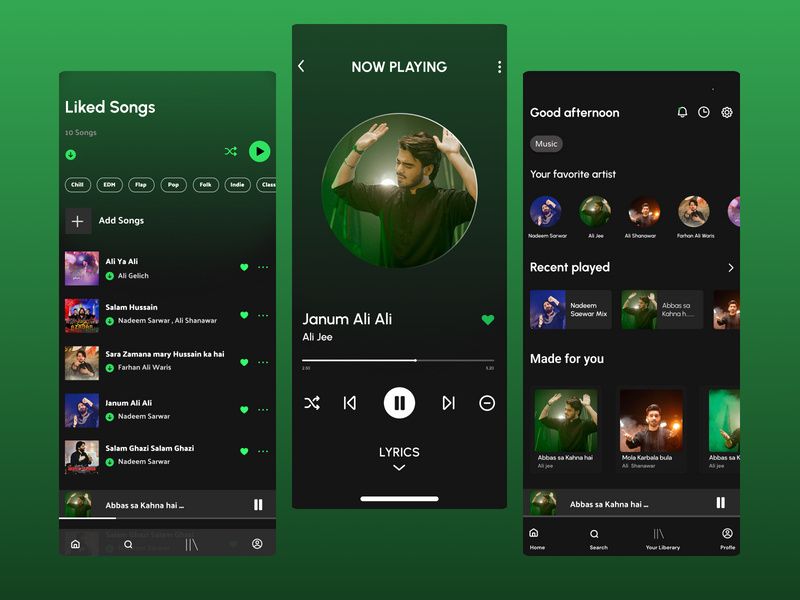
On April 9, Spotify officially announced a shift in its in-app video playback strategy. Starting today, users globally can choose to enable or disable video features within the app, allowing for a more streamlined, "audio-first" experience.
Comprehensive Personalization Settings
This update extends beyond individual accounts. Spotify Family Plan managers can now toggle video content on or off for any member of their plan directly through their subscription settings. Previously, this feature was restricted to managed accounts for users under 13. Spotify’s data shows that for these managed accounts, 60% of users had the video feature disabled by a parent or guardian.
Beyond Family Plans, the update covers all Premium and Basic subscribers—including Individual, Duo, and Student plans—as well as users on the free tier. Regardless of their subscription level, users can now tailor their app experience to suit their personal preferences.
To adjust these settings, users simply need to navigate to the app’s settings menu and select "Content and display" to toggle looping visuals (Canvas) or related video content for music and podcasts. Once configured, these preferences will automatically sync across mobile, desktop, web, and TV platforms.
In an official blog post, Spotify stated: "Listeners can now precisely choose how they interact with the videos that enhance their music, podcast, and audiobook experiences. Control changes everything, ensuring time isn't wasted, but truly owned by the user."
It is worth noting that while users can opt out of most video content, this setting does not affect video ads. Additionally, certain Canvas-like visual effects embedded within some audio ads will remain visible. The update is expected to reach all global users by the end of this month.